Installation
In order to install MagnusBilling you’ll need a server with Debian , minimal install.
1. Execute the following commands as root to run the script that will install MagnusBilling, Asterisk and all dependencies needed like: IPTables, Fail2ban, Apache, PHP and MySQL.
Install Debian minimal.
wget https://raw.githubusercontent.com/magnussolution/magnusbilling7/source/script/install.sh
bash install.sh
2. During the install you’ll be asked what language MagnusBilling should use. Choose by typing the number of the language.
Install complete. The server will restart automatically..

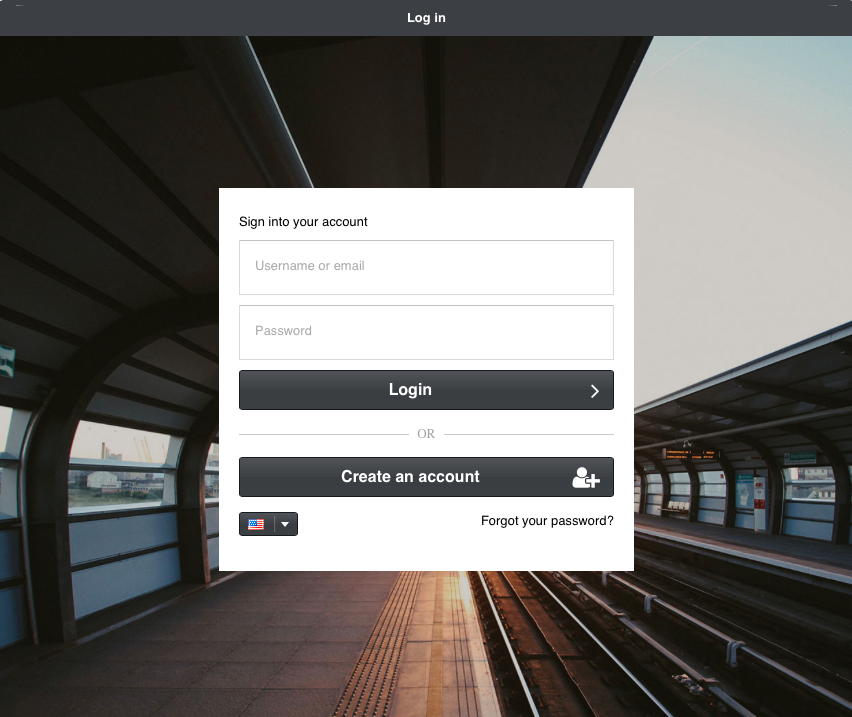
Use a browser to access the interface.
   Go to: http://000.000.000.000
   User: root
   Password: magnus (Remember to change the password)
Current code notes
After installation, the main entrypoints used by the current source code are:
index.phpfor the Yii web panel.cron.phpfor Yii console commands.resources/asterisk/mbilling.phpfor Asterisk AGI call execution.protected/config/main.phpfor the web application configuration.protected/config/cron.phpfor console command configuration.script/database.sqlfor the base database structure.
The console configuration reads the database connection from
/etc/asterisk/res_config_mysql.conf. If the web panel, cron commands, or
AGI calls cannot connect to the database after installation, verify this file
before changing application code.